
Noise comments can be submitted on your smartphone using the link below or by scanning the QR code. This app is not available through conventional app stores.
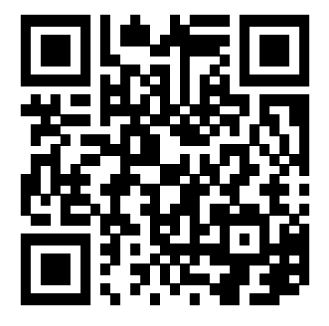
- Download the either from this website Noise Comment Form App or by using the QR code shown.
- Save the app to your home screen:
- iPhone: Tap the box with vertical arrow and select add to home screen.
- Android: Tap the 3 Menu dots and select save to homepage.
- Go to your home screen and open the SEA app.
- Follow the steps within the app (steps 1 through 4).
- Submit the comment.
- Submit additional complaints by tapping “File a New Noise Comment” from the confirmation screen.
Note: After using the app the first time, user information is saved and does not need to be re-entered.